Of code on the site
one line and the widget is live
To the first answer
no waiting, no queues
Always on
no weekends, no breaks
A widget for your site, light, alive, yours
It shows, not just answers
The customer meets someone to talk to, not a «bot». Answers, cards, profiles and actions — all in one window on your site.
Answers and highlights the source
An answer to the point plus a highlight of the document or product it rests on — the customer sees the source, not an invention.
Product cards and comparison
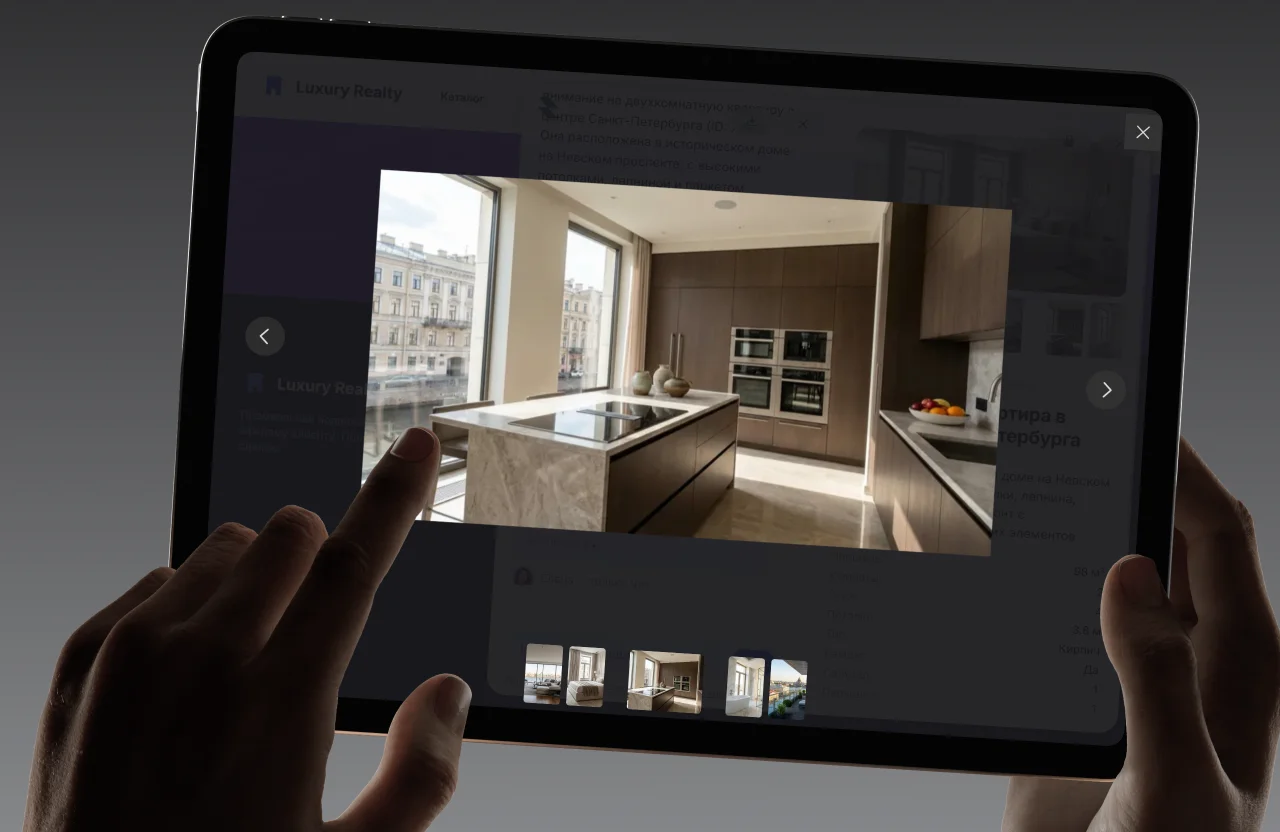
Photo, price, availability and a buy button, plus a spec-by-spec comparison — right inside the chat window.


Profiles and matching by task
Specialists, services, listings — speakers, technicians, experts. The customer describes the task in words and the widget shows the fits from your base.
And what holds the channel together
Skills, branding, sign-in and analytics. Everything that makes the widget part of your site and your support.
Skills
The action is completed in chat
Booking, request, quote, reservation — the form lives in the chat and the result goes to your CRM or 1C through a connector.
Brand and sign-in
Your brand, JWT and SSO
The widget wears your identity; it recognises a signed-in customer through an identity JWT or your SSO, with role and permissions from the token.
Utilities
History, ratings, logs
Chat history even for anonymous visitors, a rating on every message for analytics, log export and built-in help.
One solution, every channel
The same platform and the same knowledge base at every touchpoint. Connect it once and use it everywhere your customers ask questions.
Website
Storefront and landings: it answers, recommends and leads to the purchase without taking the customer off the page.
Wiki
Knowledge base and portal: answers from documents with the source highlighted.
Customer portal
Customer self-service: statuses, requests and actions without calling an agent.
Intranet
An assistant for staff: policies, HR questions and internal services.
Front office
Prompts at service desks: an exact answer in seconds with the customer in front of you.
Call centre
First line: it takes the routine tickets and hands the hard ones to an agent with full context.
CONNECTORS
04
Connectors are headless skills for your systems
DEMO · STOCK
Stock check
«Is this in stock?» — the assistant calls the connector itself and answers with a fact from your system.

DEMO · CRM
Order status
The customer gives an order number — status and delivery dates arrive from the CRM straight into the chat.

DEMO · 1C
Prices and stock
Live pricing and stock from 1C at the moment of the answer — no manual exports.
DEMO · CRON
Scheduled report
«Send me the status every morning» — a cron task runs without an operator.
Tools and hooks
a standard protocol for integrations
Data from your systems
prices, stock and statuses at answer time
Scheduled jobs
reminders and reports without an operator
One solution, every channel
What the solution is made of
Backend and UI in one delivery. A vector store, embeddings and a RAG pipeline with a reranker, skills and connectors, catalogue, profiles and documents — under the hood. Fast on the outside, serious underneath.
From a question to a decision
Smart RAG and current models. The widget understands a question the way a person does, finds the answer in your data and decides what to show: an answer, a card, a form or a live agent.
The numbers move the right way
A live channel instead of a contact form — and the metrics climb. The widget answers instantly, drives to an action and takes load off the first line.
Conversion
from dialogue to request
Response time
to the first reaction
Repeat visits
back into the same chat
Cost
of a single answer
AI closes more dialogues · the load on agents drops
Install the widget in a minute
One line of code and the assistant is working. No card, free plan forever. Set up the brand and test it in a live chat today.
Sign up
Create an account in a minute — no card, free plan forever.
/02Data and brand
Upload documents and products, set the colours, the logo and the tone of voice.
/03Test in dialogue
Check the answers and the source highlighting in a live chat inside the admin.
/04One line of code
Paste the snippet into your site — the widget runs on every page.
Test it on your own data
Upload your own documents and catalogue — then ask the assistant the questions people ask you. That is the only test that means anything.